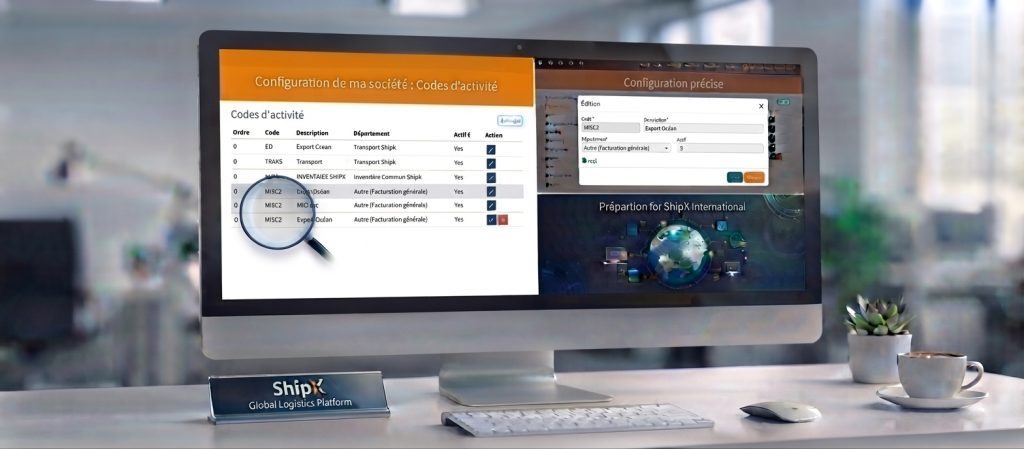
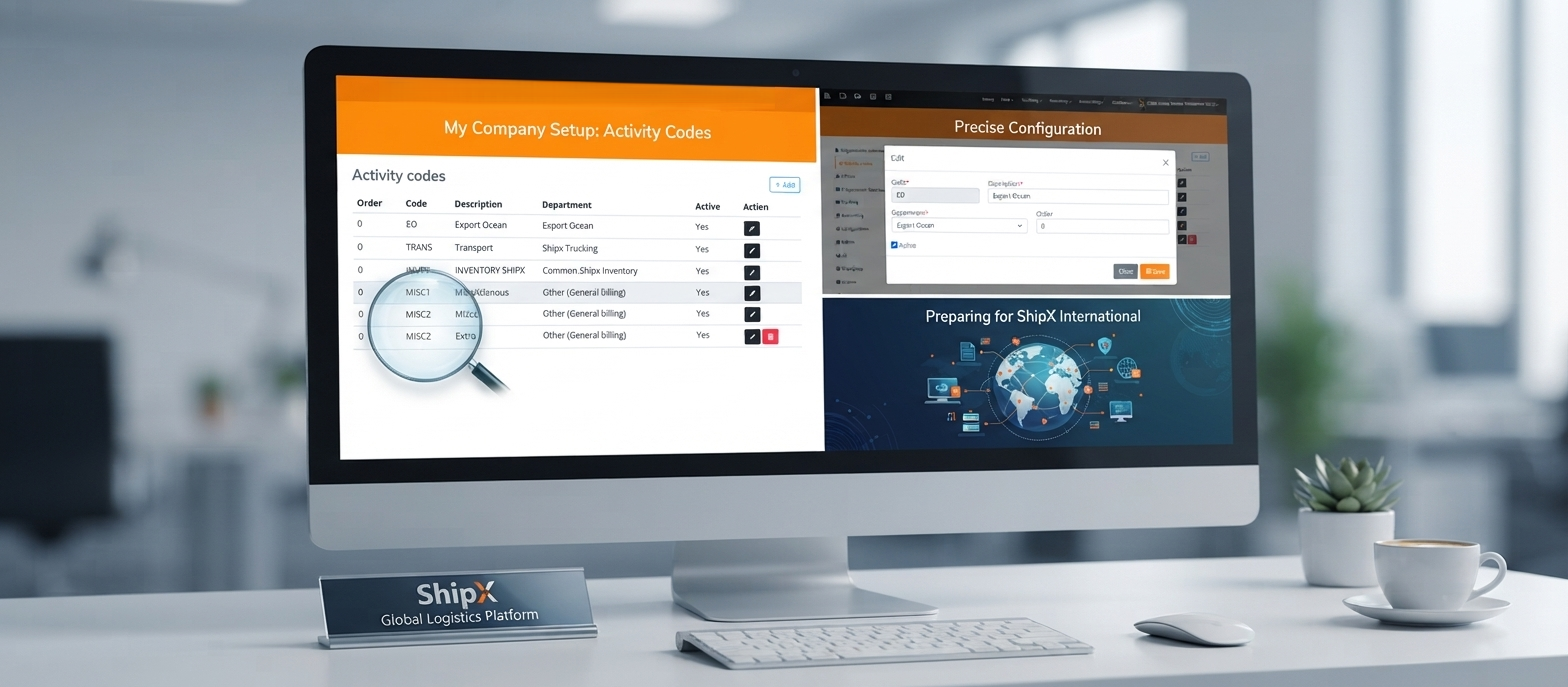
In the fast-paced world of freight forwarding and logistics management, precision and adaptability are everything. Keeping your operational data clean, well-structured, and fully aligned with your internal departments shouldn’t be a chore.
These continuous improvements are more than just routine updates—they are strategic stepping stones preparing our platform for the upcoming launch of ShipX International, marking a major milestone and a quantum leap forward for ShipX. From streamlined activity code management to precise parameter customization, let’s take a closer look at how these new features empower your team to scale globally and work smarter.
Streamlining Operations with Activity Codes
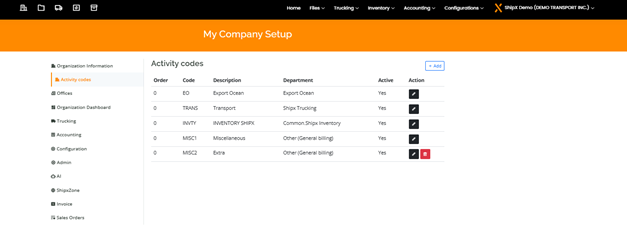
Managing logistics data with precision requires granular classification. The new Activity Codes module in ShipX empowers teams to define, organize, and track specific operational tasks directly within your company setup.
Navigation path : My Company setup > Activity codes
- Centralized Management: Easily configure and oversee all activity codes from a single, intuitive interface under your organization settings.
- Departmental Alignment: Link custom codes—such as export operations, trucking, inventory management, or miscellaneous billing—to the appropriate internal departments.
- Granular Control: Maintain active operational rules with clear sorting orders, custom descriptions, and quick editing tools to adapt instantly to evolving business workflows.
Precise Customization with the Edit Modal
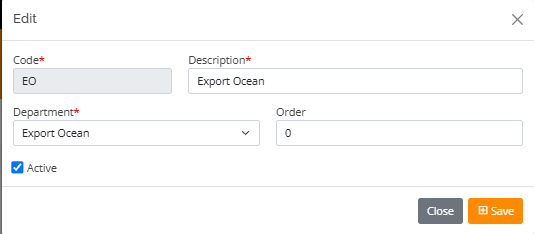
Building on our activity codes overview, ShipX offers a dedicated edit modal to configure individual entries with absolute precision.
- Required Parameters: Clearly marked mandatory fields ensure essential information like the unique Code, detailed Description, and associated Department are always captured correctly.
- Flexible Ordering: Adjust the sorting order numerical value to structure how codes appear within your operational lists.
- Status Control: Easily toggle the Active checkbox to enable or disable specific activity codes on the fly, keeping your active workflows clean and up to date.
Pro Tips for Maximizing Efficiency
- Standardize Your Codes: Establish a clear naming convention for your activity codes across all departments to ensure seamless reporting and cross-functional visibility.
- Keep Configurations Current: Regularly review active statuses and sorting orders in your edit modal to keep your drop-down menus streamlined for daily users.