
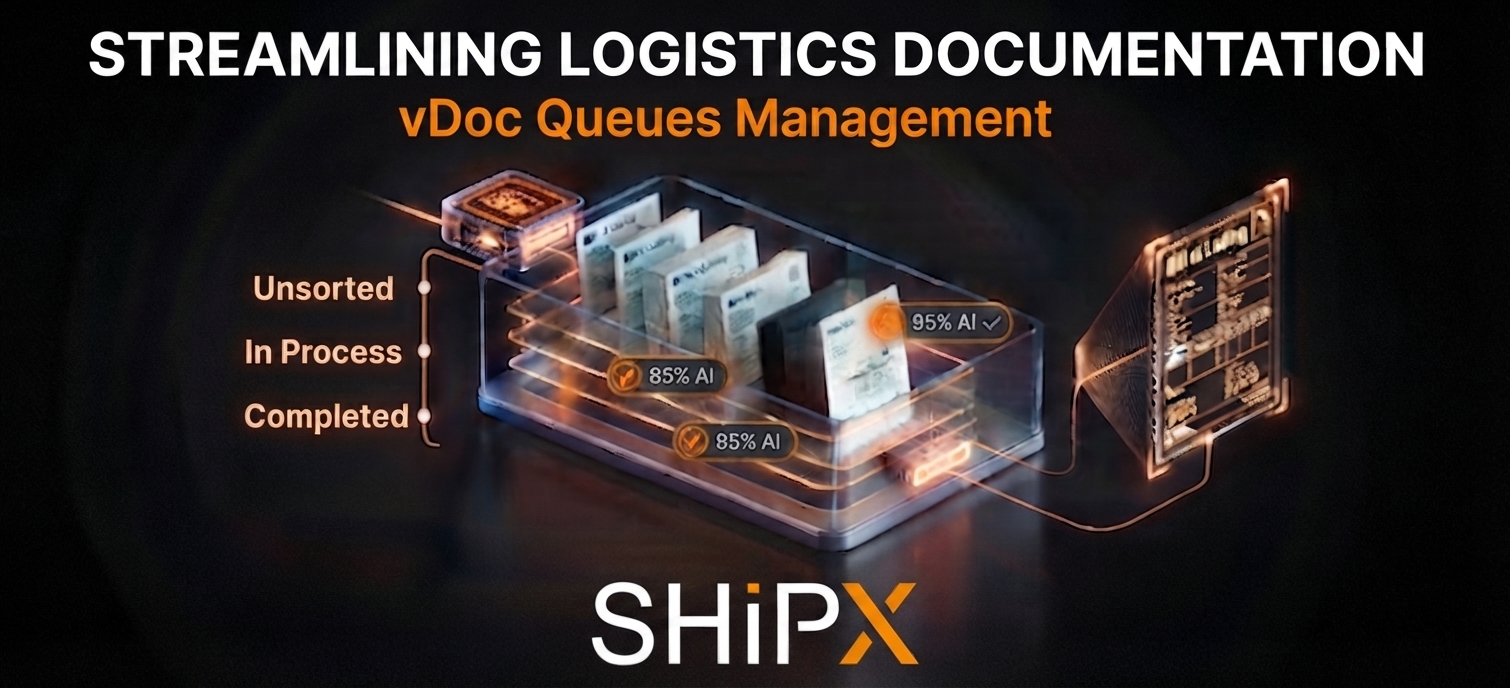
Managing thousands of shipping files—from bills of lading to arrival notices—should not slow down your supply chain. Discover how vDoc Queues Management brings structured order and intelligent automation directly to your document workflow.
Enter vDoc Queues Management, our state-of-the-art interface designed to bring order, speed, and intelligence to your document workflow.
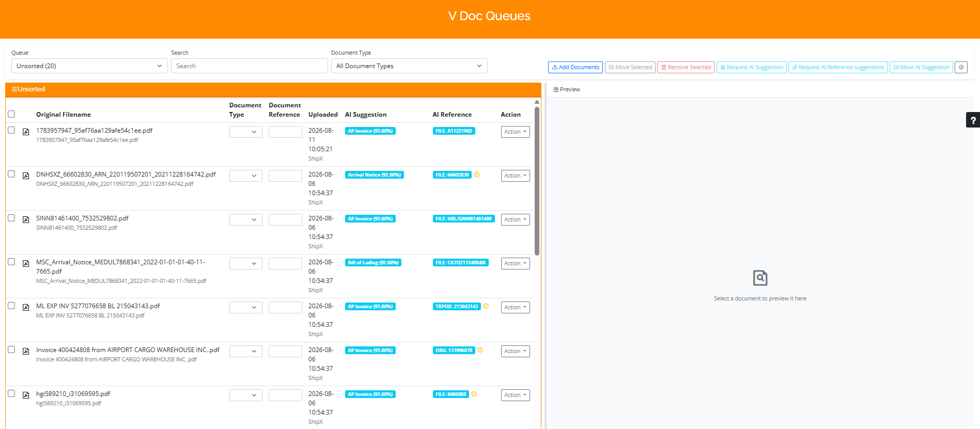
The vDoc Queues interface provides a centralized environment to manage and process all your shipping files with precision.
Centralized Control with vDoc Queues
The vDoc Queues interface acts as the command center for all your supporting documentation. By providing a unified environment, it eliminates the need to toggle between disconnected systems, allowing your team to focus on what truly matters: processing and validation.
Key Interface Features
- Filter Bar: Quickly navigate your document landscape. Whether you need to switch between specific queues, filter by document type, or run targeted text searches, the top-level filter bar ensures you find the right file in seconds.
- Batch Actions: Speed is essential. Our batch action buttons empower you to add, move, or delete selections in one go. You can also trigger AI-powered suggestions for document types or references, significantly reducing manual data entry.

Optimize your productivity using batch action buttons for rapid document processing and AI-driven suggestions.
- Intuitive Document Table: Each row provides a clear snapshot of your files:
- Original Filename: Instantly identify your source documents.
- Automated Intelligence: View AI-suggested document types and references directly in the table, complete with confidence scores for better decision-making.
- Action Context Menu: A single click on the action menu reveals a suite of tools, including document re-typing, joining files, viewing history, or clearing unwanted items.
- Real-time Preview Panel: No more opening files in separate tabs. The right-hand preview panel allows for immediate, visual verification of document content before you finalize validation.
Elevating Your Workflow: Best Practices
To maximize the benefits of vDoc Queues, we recommend integrating these best practices into your daily operations:
- Prioritize the Visual Check: Always utilize the preview panel to verify the document’s content against the AI-suggested reference before finalizing your attachment. This proactive step ensures data integrity across your supply chain.
- Embrace Batch Processing: Whenever possible, select multiple rows to apply batch actions. Utilizing the top toolbar to handle grouped documents significantly accelerates your throughput, freeing up valuable time for more complex tasks.
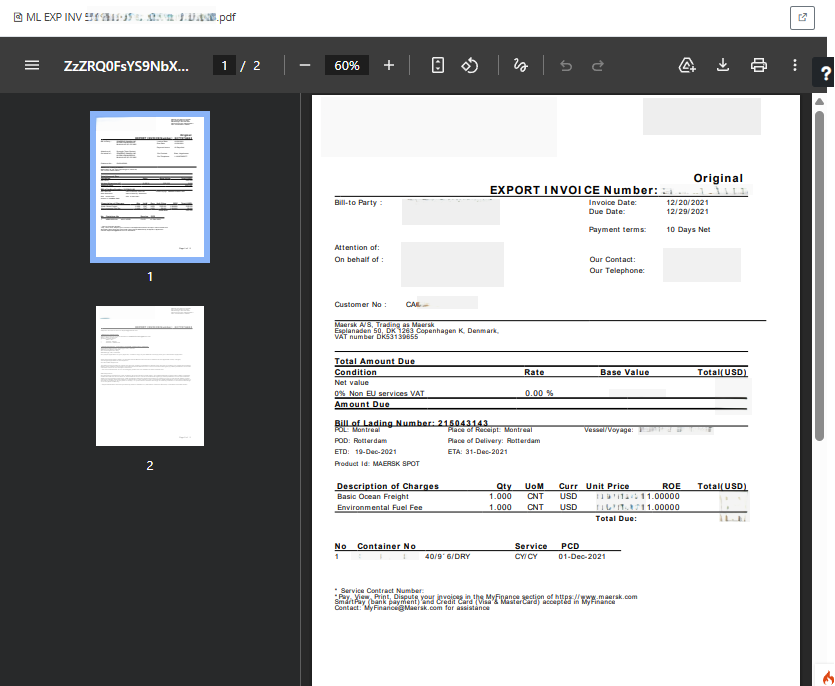
Use the Preview Panel for immediate, visual verification to ensure document accuracy before validation.
Experience the Future of Document Management
The vDoc Queues management system is more than just a storage utility; it is a critical component of the ShipX ecosystem, designed to optimize your logistics operations through intelligent automation and refined user experience.
Ready to transform how you handle your documentation? Dive into vDoc Queues today and experience a more structured, efficient, and intelligent workflow.